


Beyond the Bay: Why Your Shop Software and QuickBooks Aren't Speaking the Same Language (and How to Fix It)

You know that feeling when a customer brings in a vehicle with a "mystery noise," and after three hours of diagnostics, you realize someone previously tried to "fix" a complex electrical issue with electrical tape and a prayer? It’s frustrating, it’s messy, and it’s a waste of everyone’s time.
Running an established auto shop: especially once you’ve crossed that $1M mark in revenue: is a lot like managing a high-performance engine. Every component needs to be timed perfectly. But for many shop owners, there’s a massive "misfire" happening between the front of the house and the back office.
You’re likely using top-tier shop management software like Mitchell1 or Tekmetric. They are incredible for writing ROs, tracking parts, and managing your technicians' productivity. But then there’s QuickBooks Online (QBO). On paper, they’re supposed to talk to each other. In reality? It often feels like they’re speaking two completely different languages: and you’re stuck acting as a frustrated translator.
Why Your "Sync" Might Be Out of Alignment
Before I traded my shop floor boots for a C.P.B. designation, I earned my stripes with an ASE background. I know what it’s like to be under a lift at 7:00 PM, and I also know what it’s like to stare at a profit and loss statement that makes absolutely no sense because the "integration" failed.
The gap between shop management software and Auto Shop Bookkeeping usually comes down to one thing: Precision.
When you hit the "sync" button in Tekmetric or Mitchell1, you expect your financial data to flow seamlessly into QBO. But software developers build shop management tools for operations, not for accounting. If the backend mapping isn't set up with surgical precision, you aren't getting clean data: you’re getting a digital pile of "junk parts."

The "Manual Entry" Madness
When the integration starts acting up, many shop owners (or their overworked office managers) resort to the most dangerous tool in the shop: manual entry.
You might think, "I'll just manually input the daily sales totals," or "I'll adjust the inventory at the end of the month." It starts small, but manual entry is the "duct tape" of the accounting world. It might hold things together for a week, but eventually, it’s going to fail: usually right when you’re facing an audit or trying to secure a line of credit for shop expansion.
At the $1M to $5M revenue level, the margin for error disappears. A few missed parts returns here, an unrecorded core charge there, and suddenly your "profitable" month is actually a loss. You need high-level precision that matches the quality of the repairs you provide to your customers.
Common Friction Points in Mitchell1 and Tekmetric QBO Integrations
If you’ve noticed your books looking a little "off," it’s likely due to one of these three common integration failures:
1. The Mapping Nightmare
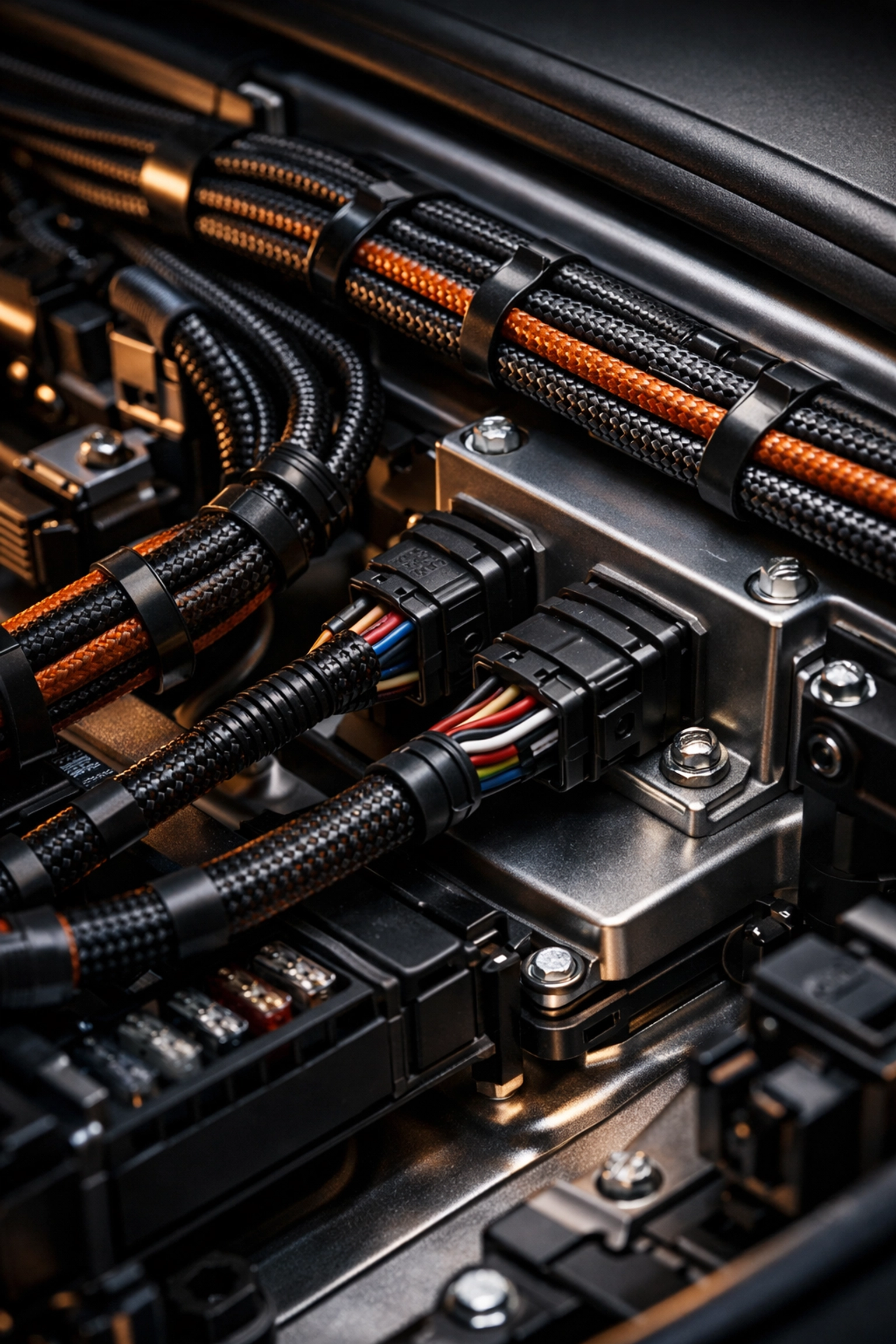
Think of mapping as the wiring diagram for your business. If your "Labor Sales" in Tekmetric are mapped to a "General Income" account in QBO, you lose all visibility into your margins. You can't tell if your labor rate is actually covering your overhead. Even worse, if your sales tax isn't mapped correctly, you’re essentially guessing what you owe the state. That’s a phone call nobody wants to receive.
2. The Inventory Black Hole
Inventory is where most Auto Shop Bookkeeping goes to die. If your shop software is tracking parts but QBO isn't reflecting the actual cost of goods sold (COGS) in real-time, your balance sheet is a lie. You might think you have $50k in inventory, but if half of that was sold and never "relieved" from the books, your taxes are going to be a nightmare.
3. The Lump-Sum Headache
Many integrations push data over as a single lump-sum deposit. But your bank account shows five different credit card batches and a handful of cash deposits. Matching these up is like trying to find a vacuum leak with a loud radio playing. If the integration isn't configured to handle merchant fees and batching correctly, you’ll never truly reconcile your bank accounts.
Why Precision is Your Best Performance Upgrade
Established shop owners don't just need "records"; they need audit-ready precision.
When we perform QuickBooks Online Cleanups, we don't just delete duplicates and hope for the best. We dive into the "engine" of your integration. We look at the Tekmetric QBO integration or Mitchell1 QBO integration settings and ensure every single "wire" is connected to the right "terminal."
Why does this matter?
Real-Time Decisions: You can actually see your true Gross Profit Margin on every job.
Tax Confidence: No more "estimating" your quarterly payments.
Bankability: If you want to buy that second location or upgrade your alignment rack, you need clean books that a lender can trust.
Peace of Mind: You spend all day worrying about your customers' safety. You shouldn't have to spend all night worrying about your P&L.
How to Close the Gap
If you feel like your shop software and your accounting software are in a constant state of war, here is how we recommend getting things back on track:
Audit the Mapping: Go into your integration settings and look at where every category is landing. If it says "Uncategorized" anywhere, you have a problem.
Stop the Bleeding: If the sync is broken, stop trying to fix it with manual workarounds. It only makes the eventual cleanup more expensive and complicated.
Check Your Sales Tax: This is the highest risk area. Ensure your QBO sales tax center matches your shop software reports to the penny.
Bring in a Specialist: Just like you wouldn't ask a plumber to rebuild a transmission, don't expect a generalist bookkeeper to understand the nuances of an auto shop. You need someone who knows the difference between a cabin air filter and a catalytic converter.

Ready for a Tune-Up?
At QBO Cleanups, we specialize in taking the "mess" out of shop financials. We love working with shop owners who value precision and want to move away from the chaos of manual entry. Whether you're struggling with a Mitchell1 QBO integration that’s gone haywire or a Tekmetric QBO integration that isn't pulling its weight, we can help.
Your shop is a high-performance machine. It’s time your books reflected that.
If you’re ready to stop guessing and start growing, let’s get those books cleaned up and running like a dream. You can book a call with us today or check out our services page to see how we can specifically help your auto repair business stay in the green.
Don't let bad data be the "check engine light" that you choose to ignore. Let’s get it fixed properly, once and for all.


Comments