


The Roadmap to Clean Books: What to Expect During a Professional Cleanup

If you're considering a QuickBooks file cleanup, you're probably wondering what you're actually signing up for. The process can feel a bit like a mystery box, you know something needs to happen, but you're not quite sure what goes on behind the scenes or how long it'll take.
Here's the good news: a professional cleanup follows a pretty straightforward roadmap. Understanding what happens at each stage makes the whole thing feel much more manageable. Let's walk through it.
Phase 1: The Discovery Call
Before any actual cleanup work begins, most bookkeepers start with a conversation. This isn't a sales pitch, it's a fact-finding mission.
During this call, you'll discuss:
Your business structure and industry. A retail shop has different needs than a contractor or consultant.
What's been happening (or not happening) with your books. No judgment here. We've seen it all.
Your timeline and goals. Are you preparing for a tax deadline, an audit, or seeking financing?
Access to your QuickBooks file. Do you use QuickBooks Online or Desktop? Who else has been in the file?
This conversation helps your bookkeeper scope the project accurately. It's also your chance to ask questions about the process, timeline, and yes: the QuickBooks cleanup cost.

Phase 2: The Initial Assessment
Once you've decided to move forward, your bookkeeper will request access to your QuickBooks file and supporting documents. This is where the real detective work begins.
What they're looking for:
Transaction volume. How many months or years need attention?
Bank and credit card reconciliation status. Are your accounts reconciled? When was the last time?
Chart of accounts structure. Is it organized logically, or is it chaos?
Uncategorized or miscategorized transactions. How much cleanup is needed?
Duplicate entries or missing transactions. These happen more often than you'd think.
Your bookkeeper will also review any previous work done in the file. If multiple people have been in QuickBooks over the years, there may be conflicting methods or half-finished cleanup attempts.
What you'll need to provide:
Bank and credit card statements for the period being cleaned up
Loan documents and payment schedules
Vendor bills and customer invoices (if not already in QuickBooks)
Prior year tax returns for reference
Any other financial documents that explain unusual transactions
The assessment phase usually takes a few days to a week, depending on complexity. At the end, you'll receive a detailed proposal outlining the scope, timeline, and investment required.
Phase 3: The Cleanup Work
This is where the heavy lifting happens. Your bookkeeper will systematically work through your QuickBooks file, addressing issues in a logical order.
Step 1: Bank Reconciliation
Everything starts here. If your bank accounts aren't reconciled, nothing else in QuickBooks is reliable. Your bookkeeper will reconcile each account, month by month, identifying and resolving discrepancies along the way.
Common issues they'll tackle:
Missing transactions that never made it into QuickBooks
Duplicate entries from improper bank feed use
Transactions recorded in the wrong account or period
Outstanding checks or deposits that need follow-up

Step 2: Transaction Categorization
Once the bank recs are solid, your bookkeeper will review how transactions have been categorized. This is critical for accurate financial reporting.
They'll correct:
Personal expenses mixed with business transactions
Income recorded as expenses (or vice versa)
Transactions that should be split across multiple categories
Payroll entries that aren't properly classified
Sales tax collected but not recorded correctly
Step 3: Chart of Accounts Cleanup
A cluttered or illogical chart of accounts makes reporting nearly impossible. Your bookkeeper will streamline it by:
Merging duplicate accounts
Renaming confusing accounts for clarity
Making accounts inactive that are no longer needed
Reorganizing the structure to match industry standards
Step 4: Accounts Receivable and Accounts Payable
If you invoice customers or receive bills from vendors, your bookkeeper will review these areas to ensure:
All invoices and bills are properly recorded
Payments are matched to the correct invoices
Outstanding balances are accurate
Any old, uncollectible receivables are addressed
Step 5: Fixed Assets and Loans
For businesses with equipment, vehicles, or loans, your bookkeeper will verify:
Asset purchases are recorded correctly
Loan payments are split between principal and interest
Depreciation has been calculated (if applicable)
Loan and asset balances match your records
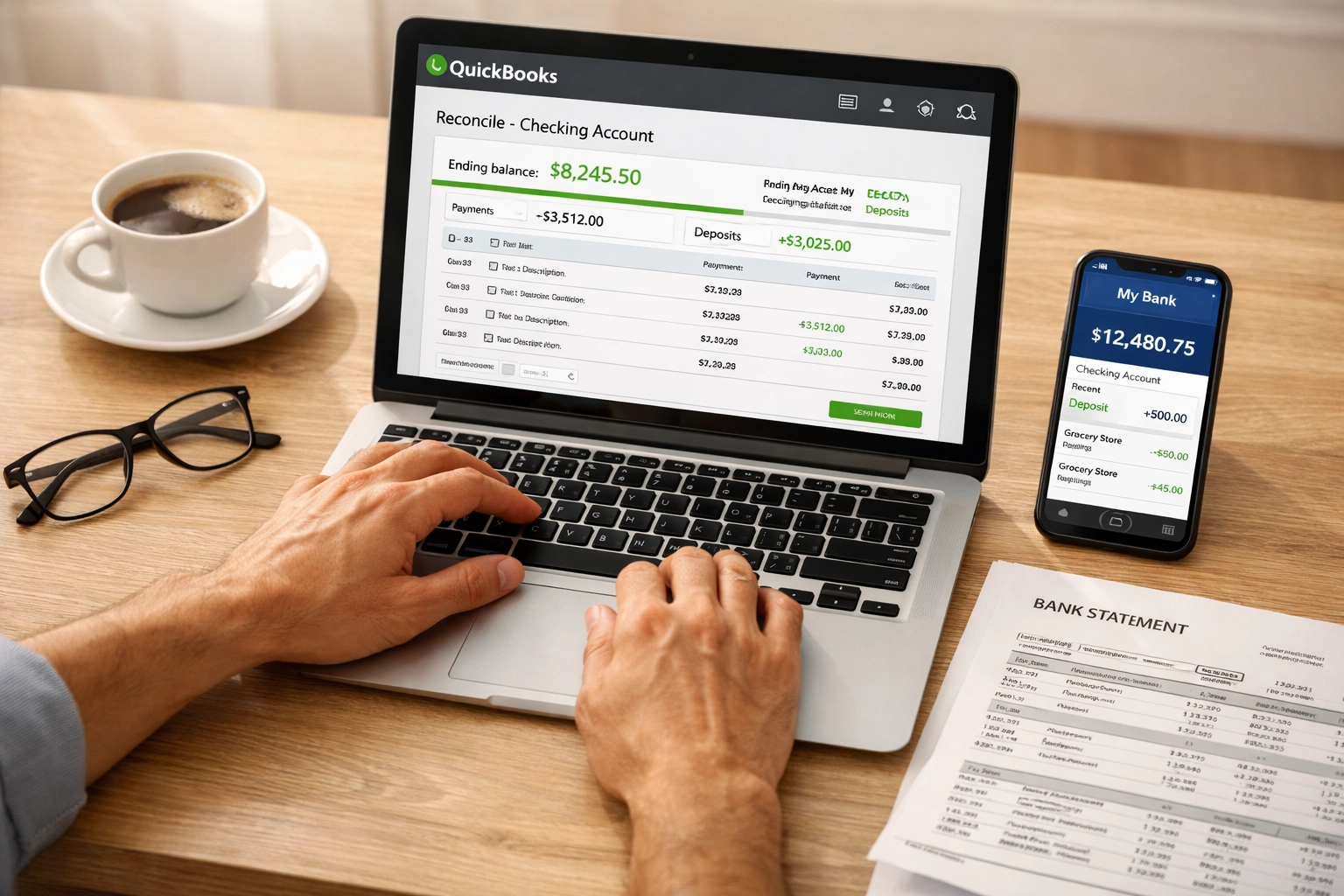
Step 6: Final Reconciliation and Review
After all corrections are made, your bookkeeper will reconcile everything one more time to ensure the file is accurate and balanced. They'll also generate reports to verify the cleanup is complete.
Phase 4: The Handoff
Once the cleanup is finished, you'll receive a clean QuickBooks file along with updated financial reports. Your bookkeeper will walk you through:
What was corrected and why
How to read your new Profit & Loss and Balance Sheet
Any issues that need ongoing attention
Recommendations for moving forward
This is also when you'll discuss whether you need ongoing monthly bookkeeping or if you're comfortable maintaining the file yourself going forward.
What Affects the QuickBooks Cleanup Cost?
Since cost is a common concern, let's address it directly. A few factors influence pricing:
Transaction volume. More months or years to clean means more time required.
Reconciliation status. If your accounts haven't been reconciled in years, that adds complexity.
Number of accounts. Multiple bank accounts, credit cards, and loans increase the scope.
Quality of source documents. Missing statements or incomplete records require more detective work.
Previous cleanup attempts. If someone else started cleanup work and left it incomplete, untangling that can take extra time.
Most bookkeepers price cleanups as flat-rate projects rather than hourly work. This gives you clarity upfront and eliminates the anxiety of a ticking clock.
How Long Does a Cleanup Take?
Timeline varies based on scope, but here's a general range:
Simple cleanup (3-6 months, one bank account): 1-2 weeks
Moderate cleanup (1 year, multiple accounts): 2-4 weeks
Complex cleanup (2+ years, multiple entities): 4-8 weeks
Your bookkeeper will give you a more specific timeline after the initial assessment.

What Happens After the Cleanup?
A cleanup is a reset button, but it's not a one-and-done solution. Once your QuickBooks file is clean, you have a few options:
Option 1: Monthly bookkeeping. Many business owners transition to ongoing monthly support to keep their books accurate going forward.
Option 2: DIY with quarterly check-ins. If you want to manage day-to-day transactions yourself, periodic reviews with a professional can catch issues before they snowball.
Option 3: Full DIY. If you're confident in your bookkeeping skills, you can maintain the file independently. Just be diligent about monthly reconciliations.
The right choice depends on your time, interest level, and complexity of your business.
Final Thoughts
A QuickBooks file cleanup isn't magic: it's methodical, systematic work that transforms messy data into reliable financial information. Knowing what to expect makes the process feel less intimidating and helps you prepare effectively.
If you're ready to get started or want to discuss what a cleanup might look like for your business, we're here to help. You can book a call to talk through your specific situation and get a clear sense of scope and investment.
Clean books aren't just about compliance; they give you clarity and confidence in your business decisions. And that's worth the effort.


Comments